.avif)

compare & cross sell
The whole range, side by side
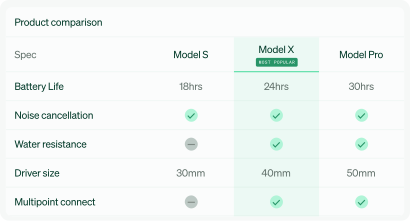
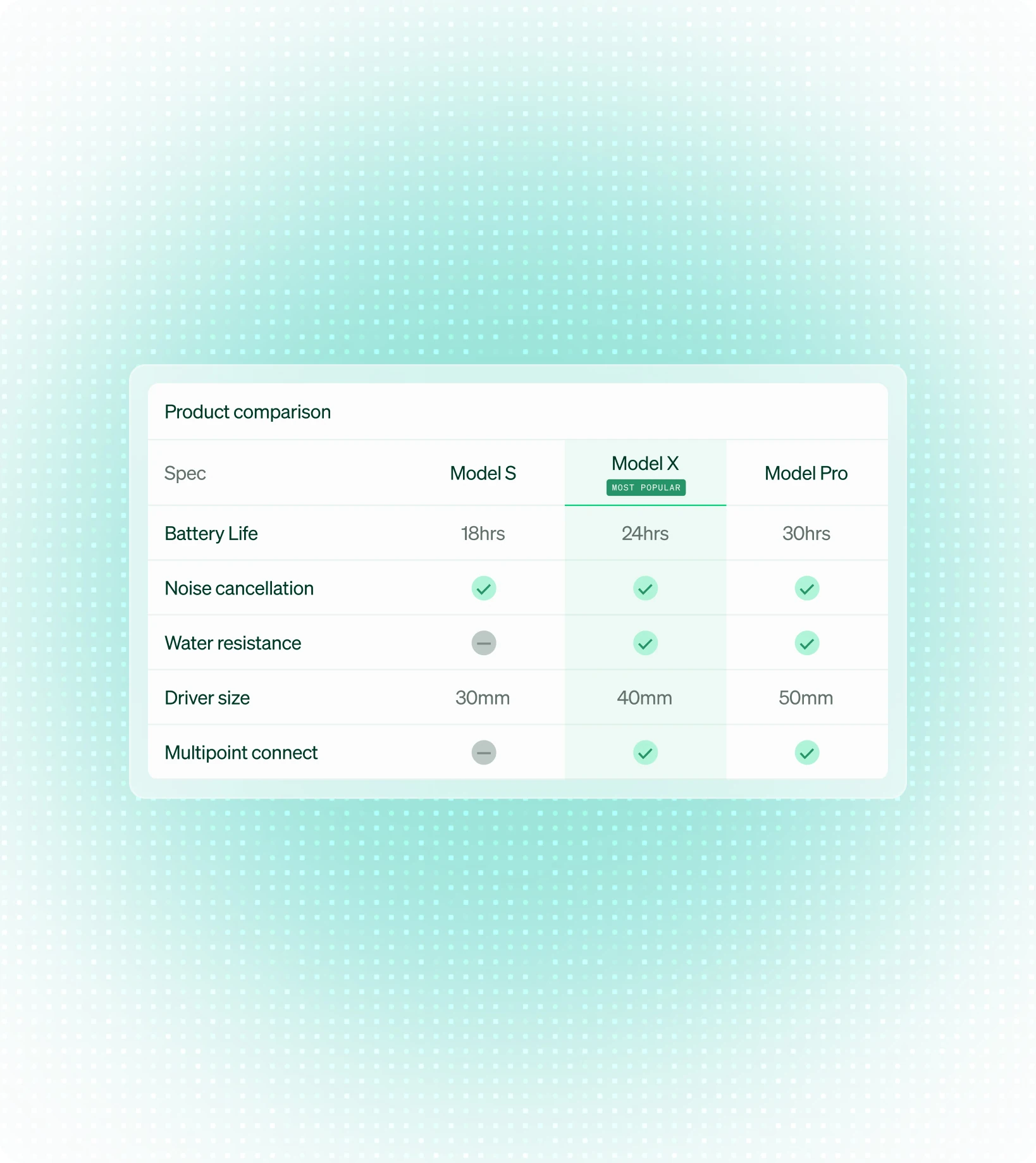
Tables line only your models up on the retailer page with the specs shoppers actually decide on. The Attach Widget then puts the accessories and upgrades that fit the chosen model directly underneath. Shoppers choose faster, and they choose more.







































WHERE SHOPPERS STALL
Too much choice stops the sale
A shopper looking at eight similar models has no simple way to tell them apart. Some open a second tab and compare somewhere else. Some sort by price, because price is the only difference they can see. Some do nothing at all. Give your shoppers a cross-sell or upsell path they can follow.
HOW IT WORKS
Lay it all out, side by side
Shoppers compare models on the specs that matter, spot the best fit, and see exactly what they get by trading up. When the value of the premium option is clear, more shoppers reach for it.
13.5%
Add-to-cart uplift
27%
Higher average order value
50%
Fewer product pages visited
75%
Of INpage dwell time spent on the table
the payoff
Always current. Always accurate. Always yours.
Your latest content, live by morning
Change a spec, launch a model, swap a call to action. Push it once and every retailer in the network has it by morning. No resubmissions, no chasing, no version drift between stores.
Never send a shopper to a dead end
Each table reads the retailer's own catalogue and shows only what that retailer can actually sell. No 404s, nothing out of stock, and no half empty grid where a product used to be.
Your brand, consistent on every page
One branded template rendered the same way on every retailer, with the product order set by your logic rather than theirs. Your range, your look, wherever a shopper finds it.
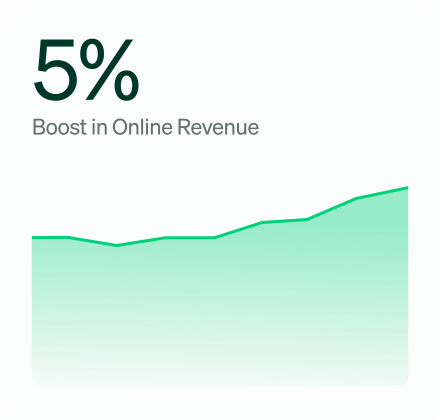
Flixmedia helps John Lewis boost online revenue by 5%
See how John Lewis lifted online revenue by 5% with Flixmedia INpages, plus 3% gains in conversion and average order value.
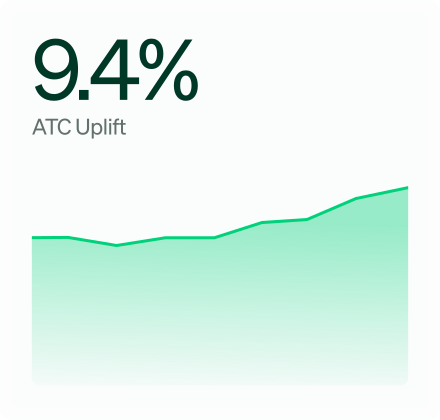
Flixmedia helps India's retailers improve cart conversion by 9.4%
See how Flixmedia rich content lifted cart conversion by 9.4% for India's retailers, tested across 355,794 shoppers at 99% confidence.
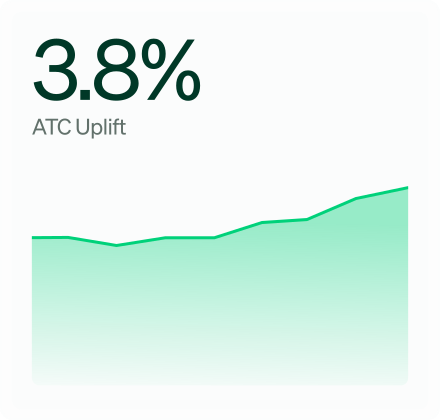
INpages drive a 3.8% ATC uplift across Australian retailers
See how Flixmedia INpages lifted add to cart by 3.8% across leading Australian retailers in a test of 451,152 shoppers. Read the full results.
faqs
Still have questions? We’re here to help.
Complementary products delivered via the brands setup (XML, File Share, manual delivery) providing SKU mapping, add-on product imagery & description.
A recommendation module allowing brands to share additional/complementary products within the mainline product ecosystem (e.g., cleaning kits for vacuum cleaners, speakers for TVs).
A tool where brands can name tables, associate products, set reach data (country, language, retailers), upload attributes and specifications via Excel template, and manage icons - all with built-in validations.
Yes - clients can purchase a Custom Style to change fonts, colours, and other visual elements. If not purchased, a default style is applied.
Flixmedia accommodates data in CSV, XML, or JSON format, aligned with content guidelines.
Comparison Tables delivered through Flixmedia’s syndication platform will only include products from your brands product range.
A product family can include up to 15 products.
The Comparison Table platform is an automated syndication - it automatically distributes and updates product comparison tables and CTAs across multiple PDPs, reducing manual matching. Tables can be populated via XML for fully automated content updates as new products launch.
Help shoppers choose, and buy a bit more
Put your range side by side on retailer pages across the network. Book a demo to see Comparison Tables in action.